
AI Music Production
Today I attended a workshop to learn about the state of AI in music production. It was a fun workshop conducted by Christopher Dore. Chris showed a workflow for using kits.ai and suno.com to create music. I have been using Claude Code Max for some time, so I am no stranger to using AI in a more involved way vs simple prompts. I decided to give it a go and see the state of AI in the music world.
Step 1 - Prepare audio sample
I created an audio sample in Ableton Live, recorded in the key of C minor using the mic on my MacBook Air.
Step 2 - Improving the sample
For this step, I used kits.ai and chose the 'Male Seaside Soul' voice.

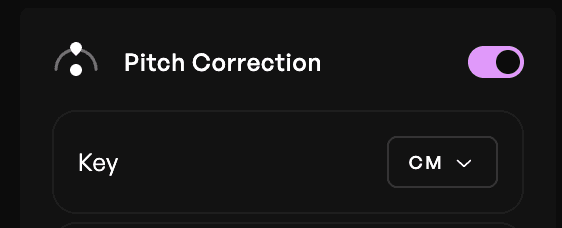
Knowing the key you are using makes pitch correction work better when you enable it.
kits.ai gave this audio out which sounds much better than my original recording.
Step 3 - Creating (part of) the song
Actually, if you were using Suno, you could just send the original recording there and use the prompts to get your desired effect. However having a better input sample will help Suno generate something more accurate to what you had in mind, since the kits.ai step fixes some of the issues with the raw audio from the MacBook mic.
I uploaded the kits.ai output to Suno and dragged it to the left prompting area, and to the 'Drop here to remix' area. Using 'Add instrument', and the style prompt 'Create a melodic trance song with a tribal feel.', I sent the request to create the song. Suno took quite a bit of liberty so the input melody did change a bit, but I quite liked it and it was still pretty similar.
Step 4 - Creating the rest of the song
Since my audio sample was short, the output from adding instruments was also short, and not yet a full song. To create the song, I dragged the newly created sample with vocal and instruments to be the left side and chose to create a remix. This time I selected 'Extend' instead of 'Add Instrumental'.
The final output:
Conclusion
The steps above show what I settled with after experimenting with various parameters and prompts. It was pretty easy to do, although I did have to trial and error quite a bit on creating the Suno song which did include the vocal sample.
The next steps to try for me are to do stem separation and export the midi for each stem, and use Ableton sounds instead of the AI generated ones. As I am still quite new to Ableton Live, that will be another learning project.
Overall, really cool!